Malkfleursby Technologies Inc. · Simulator Software
Muni Golf
Muni Golf is free golf simulator software that builds any course in the world from real maps and terrain as you load in. Search a course by name, town, or architect, and it is generated on the way to the first tee, with nothing to download and no waiting for someone else to build it first.
Terrain comes from lidar and national elevation data, and the surroundings are alive: streets, houses, bridges, and street lamps around the course, cars on the roads, and carts on the paths that stop while you play. Weather is not a backdrop. Live wind, temperature, and conditions from the course itself feed the physics, rain softens fairways and greens, and the time of day follows the course local clock. A two person commentary team follows the round and calls every player by name, and it can be turned down to zero for quiet.
Beyond course play, Muni Golf includes a driving range, on course practice on any hole, par 3 rounds that move every tee each round, AI generated practice holes from a description or a style and difficulty, closest to the pin and long drive challenges, and a records board for every course played on the Tournament preset. Play locally by passing the turn around the bay, or online with players anywhere. Every shot is recorded, with round history, strokes gained, and a handicap on the web, plus shot replays and minimap yardages.
One companion app, LaunchMonitorConnect, links your launch monitor to the game. A webcam ball tracker in the connector sends putts to the game whenever the putter is out, and every detected shot can record your swing from each camera you add, saved with the shot in round history on desktop. You can play without an account on a local profile, and an account is needed only to publish courses you build yourself.
Pricing:
- Price
- Free to play; no paid tier or subscription is stated on the official site
- Developer
- Malkfleursby Technologies Inc., Alberta, Canada
- Courses
- Any course in the world, generated from real maps and terrain as you load in
- Course search
- Search by name, town, or architect; filter by country, state, city, or holes
- Weather
- Live wind, temperature, and conditions from the course feed the shot physics
- Practice
- Driving range, on course practice, par 3 rounds, and AI generated practice holes
- Multiplayer
- Pass the turn in the bay, or play online with players anywhere
- Stats
- Every shot recorded, with round history, strokes gained, and handicap on the web
- Connector
- One companion app, LaunchMonitorConnect, links your launch monitor to the game
- Putting
- Webcam ball tracker in the connector sends putts when the putter is out
- Account
- Play without an account on a local profile; an account is needed to publish courses
- Course building
- Build and publish your own courses; the builder needs Unreal Engine 5.7.4 exactly
Details last reviewed on Oct 27, 2026. We may earn a commission — it never affects our guides.
Will it run on my PC?
No full PC spec published, only platform gates
Muni Golf publishes no CPU, GPU, RAM, or storage minimum, so there is no spec to buy hardware against yet. The only hard gates are Mac Apple silicon with macOS 14 or later, and iPhone and iPad beta access through Discord. Check the official site before buying hardware, since the published requirements can change.
System requirements
Official specs from Malkfleursby Technologies Inc.. Check their site for the latest before buying hardware.
- Operating system
- Minimum: Windows (version not stated), macOS 14 or later, or Linux
- Recommended: Same as minimum; no separate recommended OS is published
- Mac hardware
- Minimum: Apple silicon M1 or later; Intel Macs are not listed
- Recommended: Same as minimum
- Linux
- Minimum: Ubuntu/Debian .deb, Fedora/RHEL/openSUSE .rpm, or AppImage
- Recommended: Same as minimum
- iPhone and iPad
- Minimum: Beta, access through Discord; no version requirement is published
- Recommended: Same as minimum
- CPU
- Minimum: Not published by Muni Golf
- Recommended: Not published by Muni Golf
- GPU
- Minimum: Not published by Muni Golf
- Recommended: Not published by Muni Golf
- Memory
- Minimum: Not published by Muni Golf
- Recommended: Not published by Muni Golf
- Storage
- Minimum: Not published for the game itself
- Recommended: Not published for the game itself
- Course builder
- Minimum: Unreal Engine 5.7.4 exactly; first run downloads several GB of project and terrain tools
- Recommended: Same as minimum
- Connector
- Minimum: LaunchMonitorConnect companion app links your launch monitor
- Recommended: Same as minimum
Works with
Compatible simulators
Launch monitors that connect to Muni Golf. Some need a paid connector or a membership from the maker.
- Free connector

Uneekor
EYE MINI LITE
$1,999.00View deal → - Free connector

Uneekor
EYE MINI
$2,999.00View deal → - Free connector

Uneekor
EYE XO
$6,499.00View deal → - Free connector

Uneekor
EYE XO2
$10,999.00View deal → - Free connector
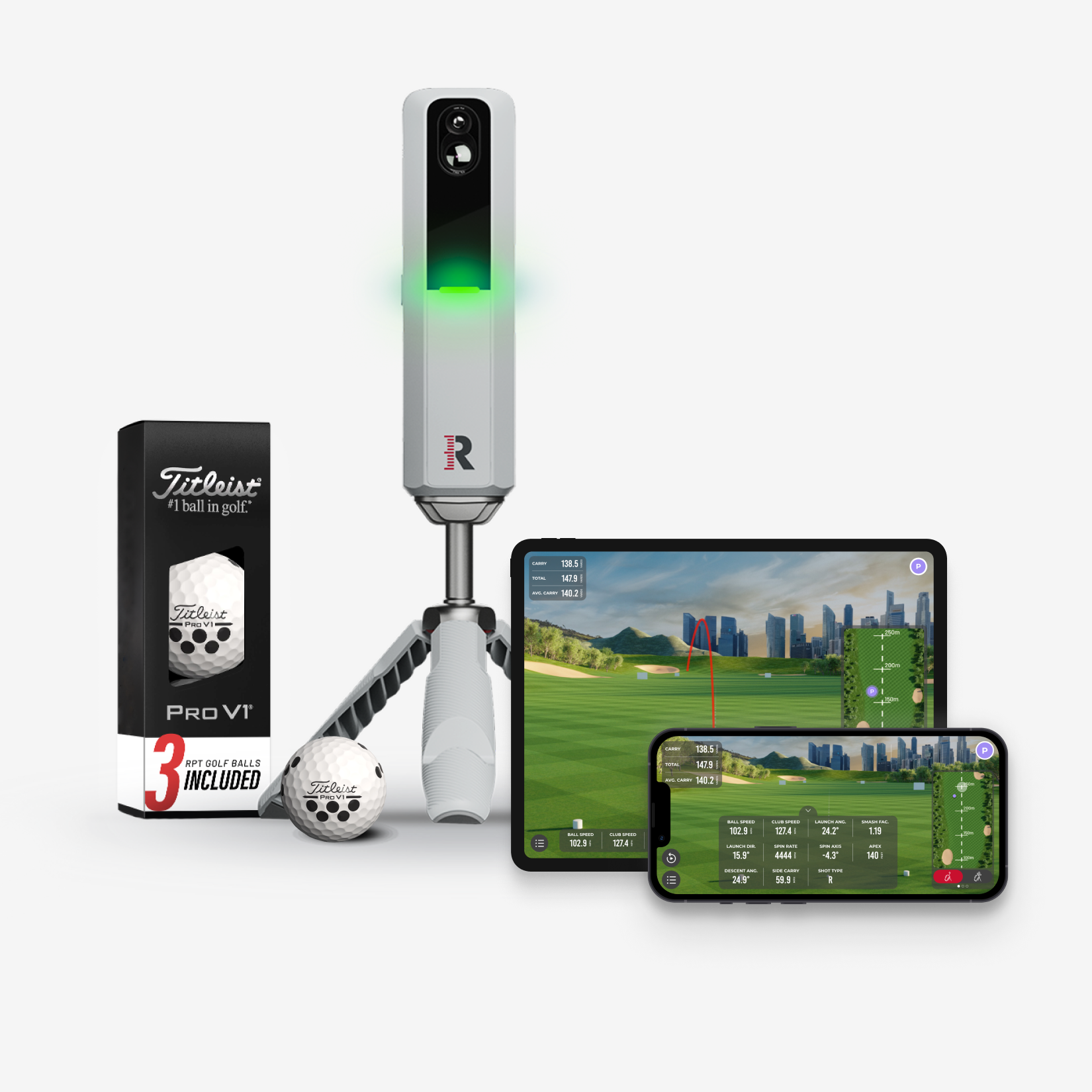
Rapsodo
MLM2PRO
$549.99View deal → - Free connector
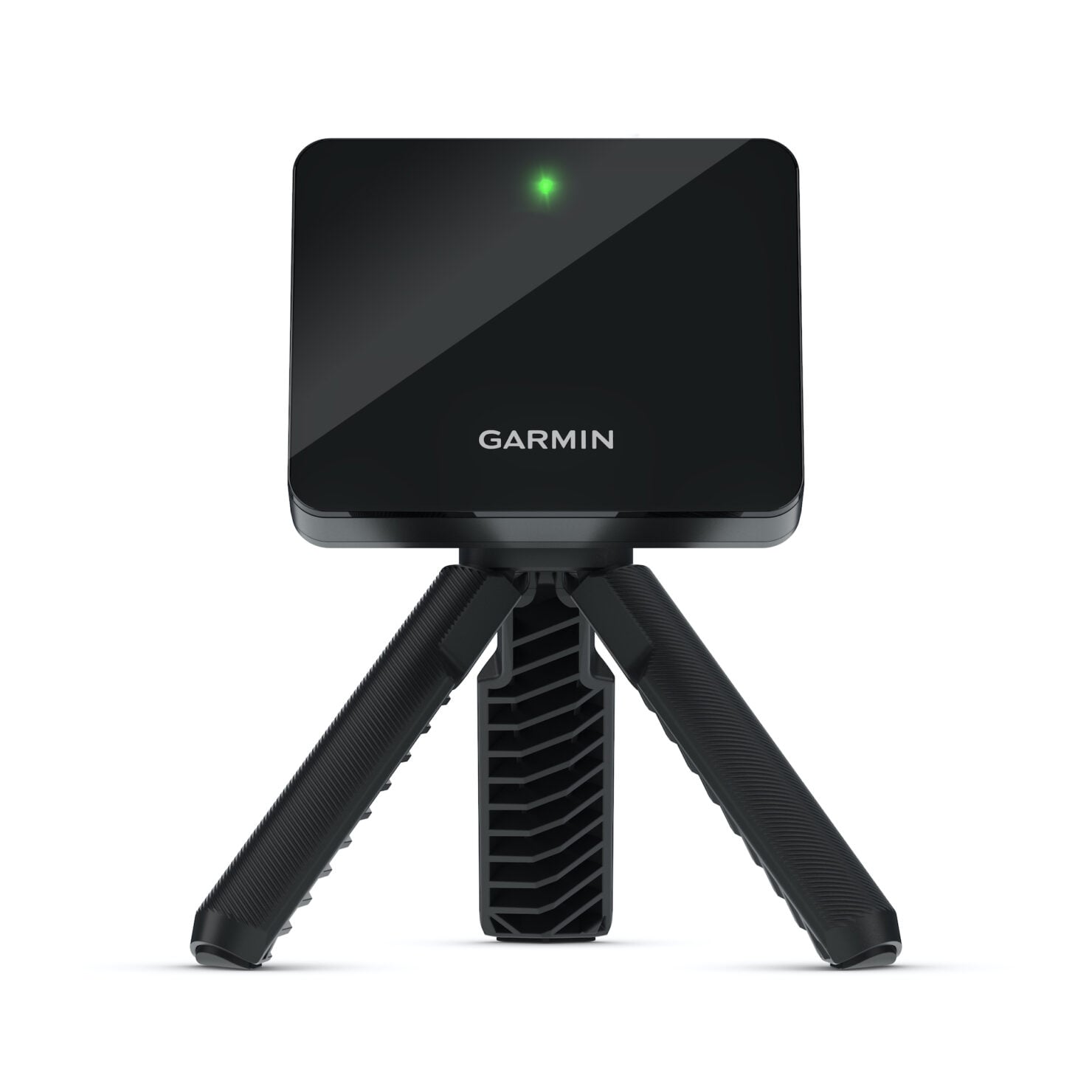
Garmin
Approach R10
$499.99View deal → - Free connector
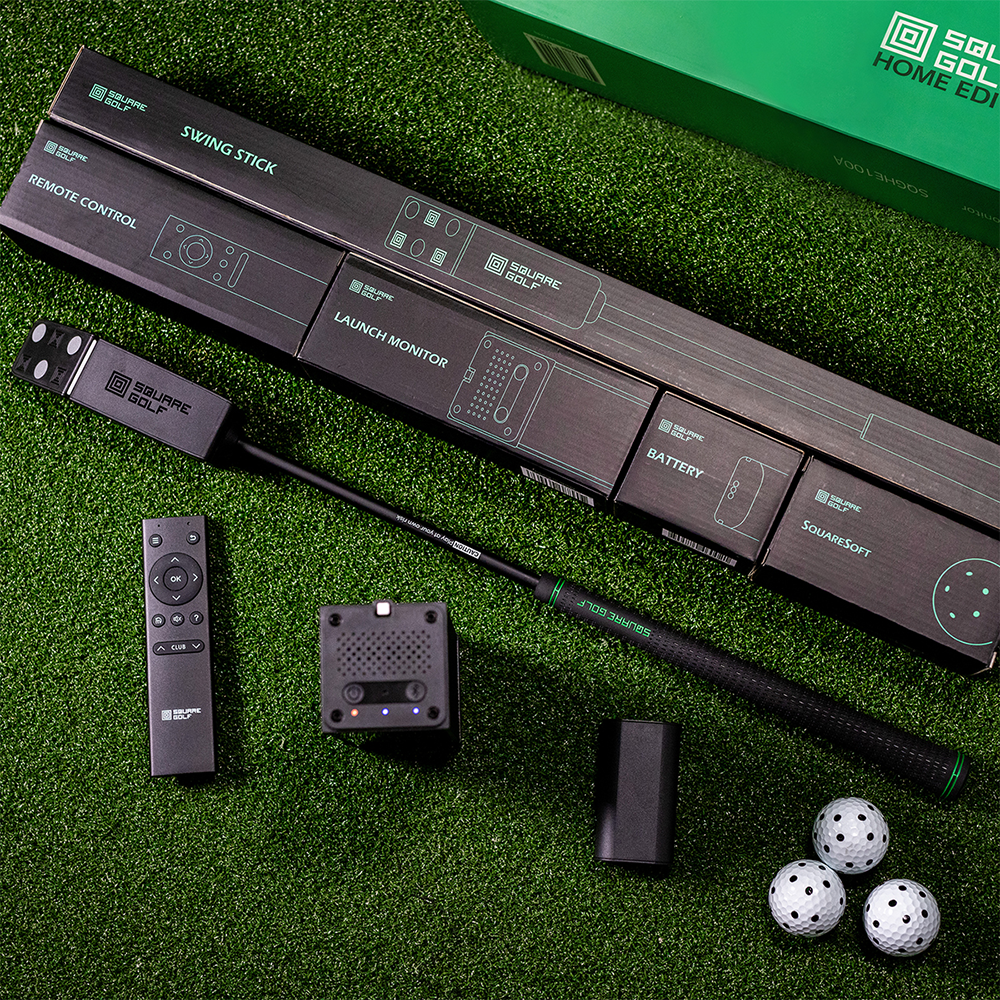
Square Golf
Home Edition
$699.99View deal → - Free connector
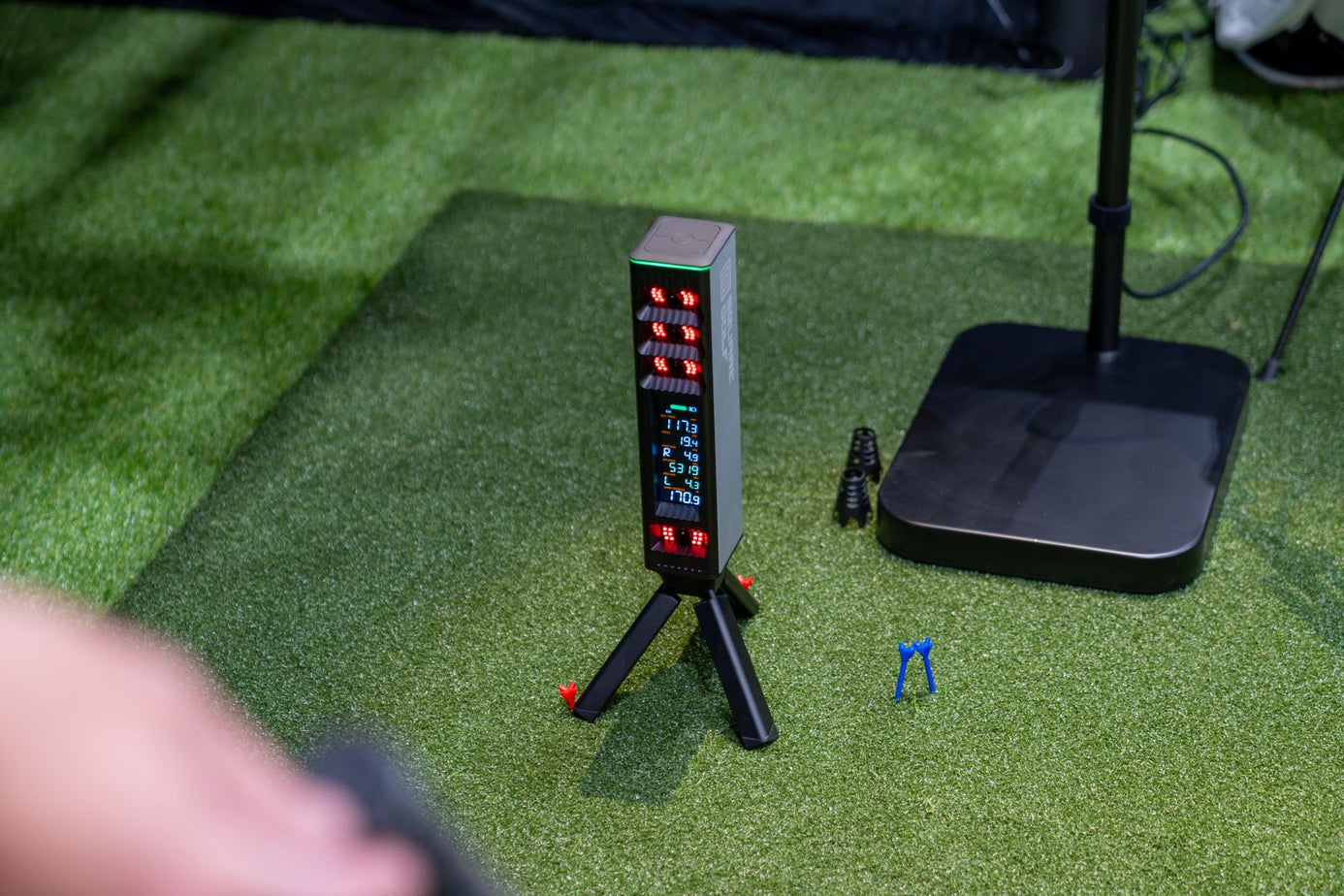
Square Golf
Omni Edition
$1,599.00View deal → - Free connector
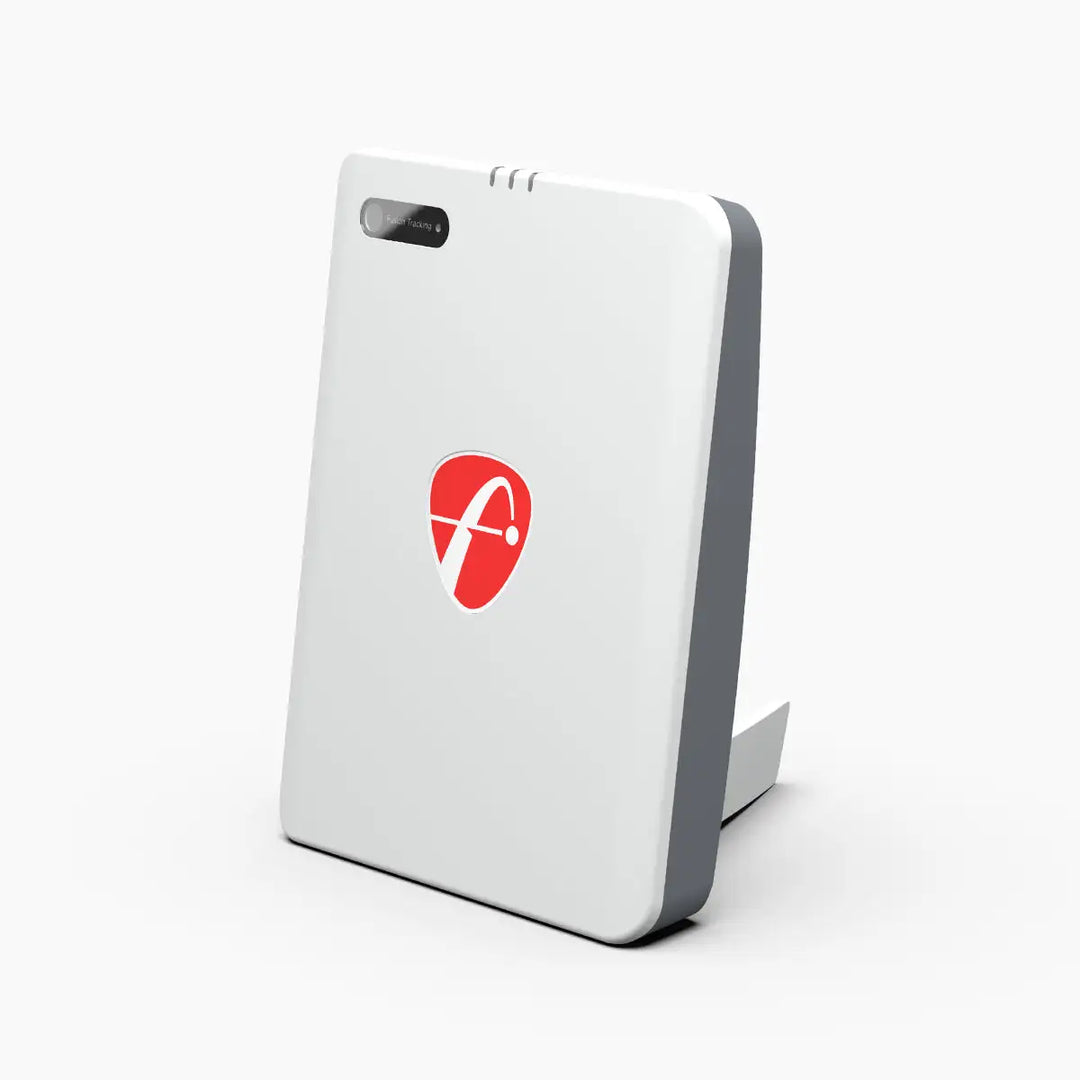
FlightScope
Mevo Gen2
$1,299.00View deal →
Golfer's guide
Muni Golf questions & answers
Straight answers to what golfers ask about Muni Golf, from course downloads to keyboard shortcuts.
Courses
3 answersWhat courses can I play in Muni Golf?
Any course in the world. Search by name, town, or architect, filter by country, state, city, or number of holes, and the course is generated from real maps and terrain on the way to the first tee, with nothing to download first.
How accurate are the generated courses?
Terrain comes from lidar and national elevation data, now more accurate in 19 more countries and regions, but Muni Golf does not publish the list of those countries and regions. If something is not quite right, correct the course details and layout in the desktop app. Every fix is reviewed, and approved changes can be sent straight to OpenStreetMap.
Can I build my own course?
Yes. The official course building guide walks through designing playable courses from real world locations with satellite imagery and elevation data. The builder needs Unreal Engine 5.7.4 exactly, publishing needs per tee course rating and slope rating, and you need a Muni Golf account to publish courses.
Controls & shortcuts
4 answersIs there a published keyboard shortcut list?
No published gameplay shortcut list was found on Muni Golf official pages as of October 27, 2026, so none is listed here rather than guessed.
Can I watch my shot again?
Yes. Shot replay shows your last shot again from cinematic angles, with ball sounds included. Minimap yardages show front and back of the green, hazard carries, and distance to the pin on your line.
Does Muni Golf record my swing?
Every detected shot records your swing from each camera you add, saved with the shot in your round history. Swing videos are desktop only. The iOS app does not record video or audio.
Can I turn the commentary off?
Yes. A two person commentary team follows your round and calls every player by name, and it can be turned down to zero whenever you want quiet.
Setup & connection
4 answersWhat do I need to start playing?
Download the launcher from munigolfsim.com, and bring your own compatible launch monitor and computer. The homepage suggests creating an account, but you can play without an account on a local profile.
Do I need anything besides Muni Golf to connect my launch monitor?
No separate Muni connector fee or subscription is stated. One companion app, LaunchMonitorConnect, links your launch monitor to the game. You still need the launch monitor hardware itself.
Which launch monitors work with Muni Golf?
The official list names Uneekor, Rapsodo MLM2PRO, Garmin Approach R10, Square Golf, Open Launch Nova, FlightScope Mevo+ / Gen2, SkyTrak / SkyTrak+, and ProTee VX, plus anything that speaks the Open Connect API, which works out of the box. This page lists only the named models that exist in the site picker. Models not named on the official list are not listed here.
Does Muni Golf work on Mac, Linux, and iPhone?
Mac needs Apple silicon M1 or later with macOS 14 or later; Intel Macs are not listed. Linux is offered as a .deb, a .rpm, or an AppImage. iPhone and iPad are beta, with access through Discord. The site entry form has no Linux or iPhone option, so those platforms are covered here and in the key facts.
Gameplay & modes
4 answersWhat can I do in Muni Golf besides playing courses?
A driving range for distance control and shot shaping, on course practice on any hole, par 3 rounds that move every tee each round, AI generated practice holes, closest to the pin and long drive challenges, and a records board for every course played on the Tournament preset.
Can I play with friends?
Yes. Pass the turn around the bay with friends, or tee it up online with players anywhere. The official privacy policy names Epic Online Services for online multiplayer.
How does weather affect my shots?
Play in the weather happening at the course right now, with live wind, temperature, and conditions, and the time of day following the course local clock. Wind, temperature, and altitude shape every shot, and rain softens fairways and greens.
Does Muni Golf track my stats and handicap?
Yes. Every shot is recorded. Review round history, strokes gained, and your handicap on the web. Profile preferences can also include your club distances.
Pricing & license
3 answersHow much does Muni Golf cost?
It is free to play. No price, paid tier, subscription price, or in app purchase is stated on the official homepage, docs, privacy, or terms pages, and the privacy policy states that no payment information is collected.
Do I need a subscription to play courses?
No subscription is stated. Courses are generated from real maps and terrain as you load in, with nothing to download and no waiting for someone else to build a course first.
Can I play without an account?
Yes, using a local profile. If you create an account, rounds, shots, statistics, and handicap are stored with that account. An account is required to publish courses you build.
Online play
2 answersWhat online play is included?
Online play with players anywhere, plus a records board for every course played on the Tournament preset. Leagues are not stated on the official pages reviewed, so none are claimed here.
Do I need an account for online play?
The official pages reviewed do not state an account requirement specifically for online play, so none is claimed here. Playing with an account stores your rounds and stats with that account.
Troubleshooting
3 answersMy course looks wrong. What can I do?
Correct the course details and layout in the desktop app. Every fix is reviewed, and approved changes can be sent straight to OpenStreetMap, so the map gets better for everyone.
My launch monitor is not on the official list. What can I do?
Check whether it speaks the Open Connect API, since anything that speaks that API works out of the box alongside the native integrations. If it does not, check the official site and Discord before buying, rather than assuming a workaround will work.
Why can I not record swing video on iPhone or iPad?
Swing videos are desktop only. The iOS app does not record video or audio, even when swing capture is available on desktop.