GSPro · Simulator Software
GSPro
GSPro is golf simulation software for Windows PC, built from the start as a true simulator rather than an arcade-style game adapted for simulation. It pairs 4K-capable graphics built on the Unity engine with a physics model designed for realistic ball flight, and it runs with a wide range of launch monitors.
What sets it apart is the combination of price and openness. One $250 annual subscription covers the full platform, every feature, every update, and the entire course library, with no tiered plans or paid course packs. The library holds 2,500+ community-created, lidar-based courses that download free through the SGT course server, plus a set of official courses. Players can build their own courses with the OPCD course-design tools, and an open API lets the community build integrations for hardware GSPro does not officially support.
GSPro fits home simulator owners who have a Windows gaming PC and a supported launch monitor and who want realism, a huge course variety, and organized online play, including local matches with up to 8 players, online rooms, and Simulator Golf Tour (SGT) events. It is not a fit for Mac, iPad, or console players, or for anyone who wants a plug-and-play game without a gaming PC.
Pricing:
- Courses
- 2,500+ community-created, lidar-based courses, free to download, plus official courses
- Graphics
- 4K-capable, built on the Unity gaming engine
- Ball physics
- Proprietary flight model / physics engine tuned for realistic ball flight
- Players
- Up to 8 players, local or online
- Game modes
- Stroke, Scramble, Match, Alternate Shot, Best Ball, Stableford, Shamble
- Practice
- Driving range, On-Course Practice, Ladder Challenge, Dynamic Holes, Playground, Quick Closest-to-the-Pin, Custom Skills Tests
- Challenges
- Operation 36, Ultimate Long Drive, Distance Challenges, 60 Shot Skills Test
- Online play
- Online Match rooms (public/private), lobby chat, Video Ninja voice/video chat, SGT tournaments via separate SGT account
- Course design
- OPCD course-design tools + Course Designer access; community courses shared free
- Open API
- OpenAPI lets the community build integrations for unsupported hardware
- Launch monitors supported
- 31 models officially supported
- Refund policy
- Refund within 7 days of purchase, minus a $15 processing fee; direct GSPro sales only
Details last reviewed on Oct 17, 2026. We may earn a commission — it never affects our guides.
Will it run on my PC?
A mid-range gaming PC is plenty for 1080p. 4K wants a serious GPU.
GSPro publishes recommended tiers rather than a bare minimum, and it is far more GPU-dependent than CPU-dependent. Budget for the graphics card first; a 1080p setup is achievable on a mid-range gaming PC, while 4K Ultra needs a high-end GPU and 32 GB of RAM. Each downloaded course takes roughly 1 GB, so storage needs grow with your course library.
System requirements
Official specs from GSPro. Check their site for the latest before buying hardware.
- OS
- Minimum: Windows 10 or 11
- Recommended: Windows 10 or 11
- GPU (desktop)
- Minimum: RTX 3060 / RX 6600
- Recommended: RTX 3060 Ti / RTX 3070 / RX 6800
- GPU (laptop)
- Minimum: RTX 3070 / RTX 4060
- Recommended: RTX 3080 Ti / RTX 4070
- CPU
- Minimum: Intel i5 / AMD Ryzen 5
- Recommended: Intel i5 / Ryzen 5 (i7/Ryzen 7 if running other apps alongside)
- RAM
- Minimum: 16 GB DDR4/DDR5
- Recommended: 16 GB DDR4/DDR5 (32 GB for 4K Ultra)
- Storage
- Minimum: 10 GB free
- Recommended: 20 GB free
- Internet
- Minimum: Stable connection, required at every startup for license validation
- Recommended: Same
- Ports/connectivity
- Minimum: Ethernet port and/or Bluetooth, depending on launch monitor
- Recommended: Same
Works with
Compatible simulators
Launch monitors that connect to GSPro. Some need a paid connector or a membership from the maker.
- Requires subscription

Bushnell
Launch Pro
$2,999.00View deal → - Free connector
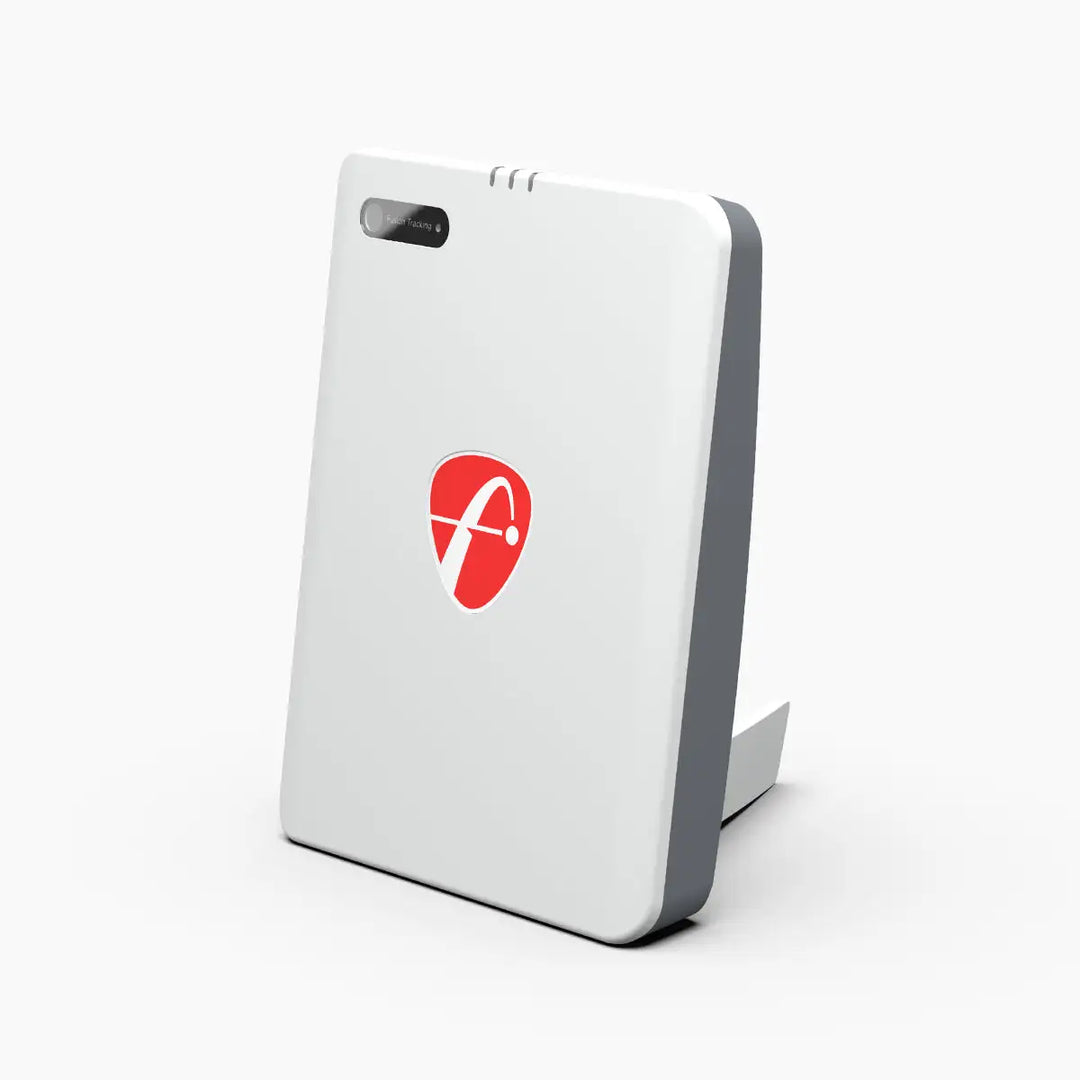
FlightScope
Mevo Gen2
$1,299.00View deal → - Free connector
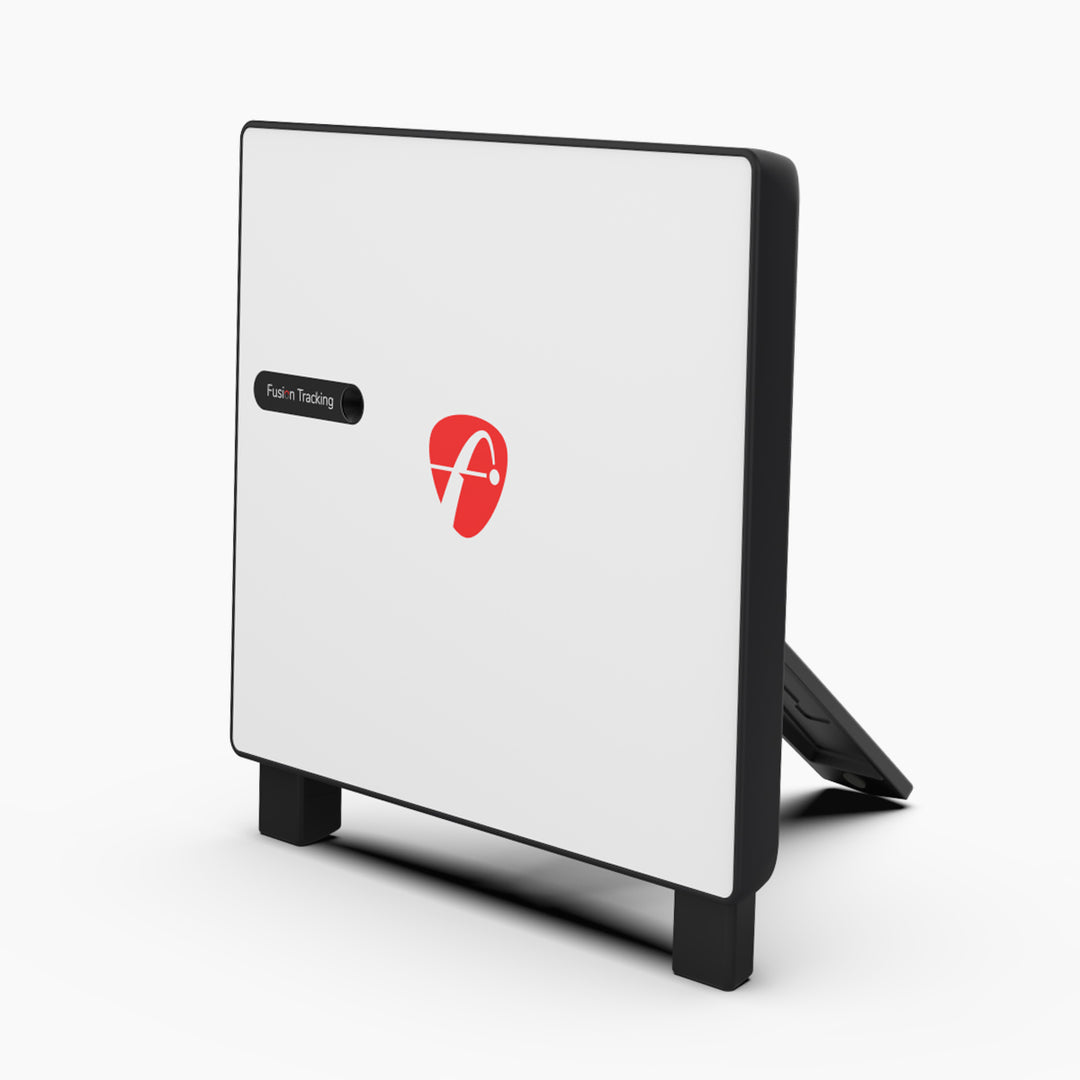
FlightScope
X3C
$13,495.00View deal → - Requires subscription

Foresight Sports
Falcon
$16,999.00View deal → - Requires subscription

Foresight Sports
GC3
$3,999.00View deal → - Requires subscription

Foresight Sports
GCQuad
$15,999.00View deal → - Requires subscription

Foresight Sports
QuadMAX
$19,999.00View deal → - Free connector

Full Swing
KIT
$4,999.00View deal → - Free connector

Garmin
Approach R10
$499.99View deal → - Free connector

Garmin
Approach R50
$4,999.99View deal → - Requires subscription

Rapsodo
MLM2PRO
$549.99View deal → - Free connector

Square Golf
Omni Edition
$1,599.00View deal → - Requires subscription

Uneekor
EYE MINI
$2,999.00View deal → - Requires subscription

Uneekor
EYE MINI LITE
$1,999.00View deal → - Requires subscription

Uneekor
EYE XO
$6,499.00View deal → - Requires subscription

Uneekor
EYE XO2
$10,999.00View deal →
Golfer's guide
GSPro questions & answers
Straight answers to what golfers ask about GSPro, from course downloads to keyboard shortcuts.
Courses
4 answersHow many courses does GSPro have?
GSPro lists 2,500+ community-created, lidar-based courses plus a set of official courses. The community library grows daily.
Do I have to pay extra for courses?
No. Community courses download free through the SGT course server using GSPro's GreenKeeper tools, and GSPro ships with a driving range plus a course-server practice facility. Your $250 annual subscription covers the full library. There are no course packs or upsells.
How do I download courses?
Use the SGT course server inside GSPro to browse and download community-created courses. Each downloaded course takes roughly 1 GB of storage, so keep free space in mind as your library grows.
Are the famous real courses in GSPro officially licensed?
No. GSPro states its course simulations are not endorsed by or affiliated with any real-world courses or their owners. Community designers recreate famous layouts; a small set of official courses is listed separately.
Controls & shortcuts
3 answersWhat are the most useful keyboard shortcuts in GSPro?
Press TAB at any time on a course or in practice to display the full shortcut list on screen. Standouts: Ctrl+M takes a mulligan (if mulligans are enabled), I/K cycle clubs up/down, U jumps straight to the putter, R opens the rangefinder, Y shows a green heatmap, F11 toggles fullscreen, and the arrow keys adjust your aim point.
How do I take a mulligan?
If mulligans are turned on for your round, press Ctrl+M to replay your last shot. The Mulligan setting itself is in the round's Match Settings.
How do I aim and change clubs?
Use the arrow keys to move your aim point (left/right to shift it, up/down to move it farther/closer), I and K to cycle clubs up and down through your bag, and U to switch directly to the putter. A resets your aim if you knock it off line.
Setup & connection
4 answersHow do I install GSPro?
Download the GSProInstaller.zip from GSPro's site, open it, and run GSProV1.msi. Windows may show a SmartScreen warning. Click "More Info," then "Run Anyway." The setup wizard defaults to C:\GSProV1. After install, open the GSPro Launcher (golf-ball icon) on your desktop, let it update, set your resolution/quality in the configuration window, hit Play, and enter your license key exactly as emailed, capitals and dashes included.
How do I connect my launch monitor to GSPro?
Start GSPro from the desktop Launcher; the GSPro Connect app opens alongside it. Pick your device brand in Connect and follow the pairing flow, Bluetooth for Rapsodo and Square, WiFi/direct connection for Foresight and Bushnell. Check the Knowledge Base connection guide for your exact model, since several brands have prerequisites (see the compatibility list on this page).
Does GSPro work on a Mac, iPad, or Android device?
No. GSPro is Windows-only (Windows 10 or 11). There is no Mac, iOS, or Android version. Mac users sometimes run it via Boot Camp or Parallels, but that is unsupported and performance varies.
Does GSPro need an internet connection?
Yes, at every startup, GSPro validates your license key online each time it launches. Internet is also required for online play, tournaments, and downloading courses.
Gameplay & modes
4 answersWhat game modes does GSPro offer?
Stroke, Scramble, Match, Alternate Shot, Best Ball, Stableford, and Shamble. Round setup also includes tee box, pin positions (Thursday-Sunday), gimmie/auto-putt options, mulligans, green/fairway firmness, stimp, wind, handicap scoring, and putting assists.
How many players can play at once?
Up to 8 players, locally on one simulator or online together.
What practice modes are included?
A customizable Practice Range (Driving Range, Ladder Challenge, Dynamic Holes builder/random, Playground), On-Course Practice on any downloaded course (drop your ball anywhere, replay shots, Quick Closest-to-the-Pin, shot data export to CSV), and Custom Skills Tests you can build from your own shot positions. Practice modes also support local multiplayer in Rounds or Elimination formats.
What are GSPro's challenges?
Beyond practice, GSPro has structured challenges including Operation 36 (a beginner-to-skilled progression program), Ultimate Long Drive, Distance Challenges, and a 60 Shot Skills Test.
Pricing & license
5 answersDo I need anything besides the GSPro subscription to connect my launch monitor?
GSPro itself costs $250/year, but some launch monitors need their own subscription to unlock the third-party connection. Foresight GC3, GCQuad, QuadMAX, and Falcon require FSX 2020 or FSX Play. Bushnell Launch Pro requires a GOLD-level Bushnell subscription. Rapsodo MLM2PRO requires a Rapsodo Premium Membership. Uneekor EYE MINI, EYE MINI LITE, EYE XO, and EYE XO2 require an Uneekor Pro Package (Pro starts at $199/year). FlightScope Mevo Gen2 and X3C, Full Swing KIT, Garmin R10 and R50, and Square Golf Omni connect with no added subscription, just the GSPro subscription.
How much does GSPro cost?
$250 per year (USD plus any taxes that apply). That single subscription includes all updates, all features, the full course library, and online play. There are no tiers or add-ons.
Is there a lifetime or one-time purchase option?
Not anymore. GSPro discontinued its Lifetime Add-on; the yearly subscription is now the only option for new buyers. Existing lifetime license holders keep working as before.
Can I get a refund?
If you request a refund within 7 days of purchase, GSPro may refund your purchase amount minus a $15 processing fee charged by its payment processor. Only sales made directly from GSPro qualify, Foresight Sports and Bushnell purchases do not, because those are bought through the manufacturer.
What if I get a new PC or a new launch monitor?
If you bought a new launch monitor, GSPro has a license conversion page (gsprogolf.com/convert.html) where you enter your license key and select the new device. If your license stops working, use GSPro's license reset page with the exact email you purchased with and your license key, or contact support@gsprogolf.com.
Online play
3 answersHow do online matches work?
From the main menu, choose Online Match, then create a room (with a name; make it public if anyone can join) or join a room by name. After picking a course, you set players, match settings, and holes, then hit Play. Public rooms also appear in a Public Rooms list you can join directly.
What is SGT, and do I need an account for tournaments?
SGT (Simulator Golf Tour) is a separate company that runs leagues and tournaments for GSPro. GSPro itself has no built-in leagues. To enter SGT events, create an account at simulatorgolftour.com and link its SGT ID to your GSPro player. Your SGT username must match your GSPro player name exactly, or tournament scores may not report correctly.
Can I talk to other players during an online match?
Yes. Online Match lobbies have a text chat, and you can start a Video Ninja voice/video room from the Chat tab, either with a webcam feed or by screen-sharing your GSPro window.
Troubleshooting
3 answersMy license key isn't working. What do I do?
Go to GSPro's license reset page with the exact email you used to purchase and your license key. If that doesn't resolve it, contact support@gsprogolf.com.
GSPro won't start or my antivirus is flagging it. What should I check?
GSPro's Knowledge Base has dedicated troubleshooting pages for antivirus exceptions (including McAfee and Malwarebytes), Windows Smart App Control, graphics drivers (Nvidia/AMD), DNS settings, and grabbing GSPro log files for support. Start with the antivirus-exception page for your product, then the log-file page if you need to send diagnostics to support.
GSPro runs poorly or stutters. Where do I start?
First confirm your PC meets the recommended specs for your target resolution (see System Requirements above), GSPro is GPU-heavy, so the graphics card matters most. In the launcher's configuration window, drop to a lower quality preset (start with GSPro Lite if unsure) and raise settings only after testing. The KB also has driver-update and OCCT benchmark pages for deeper diagnosis.

