Blog
Awesome Golf vs GSPro vs E6: which software fits family play?
One is cartoon fun for kids. One is hardcore simulation. One sits in between. Pick by who plays, not by graphics alone.
By the My Golf Obsession teamPublished Nov 1, 2026
Uneekor
The takeaway is simple: if kids and non-golfers will use the simulator, buy the software for them first and let the serious golfer in the house adapt. Awesome Golf wins family night, GSPro wins serious practice, and E6 Connect wins the household that wants polished course play without a gaming PC.
Pick by who plays, not by graphics. A 10 year old does not care about lidar course accuracy. A serious golfer does not care about cartoon mini games. The right software is the one the whole household actually opens.
What each platform is for
Awesome Golf is built for fun first. It has bright, game style visuals, mini games like target practice and accuracy challenges, and more than 50 courses plus a course designer for custom layouts. It runs on PC, iOS, and Android, and one license covers multiple platforms, so the family iPad can run the same software as the simulator PC.
GSPro is built for realism first. It has 2,500+ community created, lidar based courses that download free, a physics model owners praise for realistic ball flight, and organized online play including Simulator Golf Tour events. It runs on Windows only and needs a gaming PC with a real graphics card.
E6 Connect sits in between. It has polished, professionally built courses, strong practice areas, and mini games, and it runs on a Windows PC or an iPad. It is the only one of the three that gives you full course play from a tablet, which matters if you do not want a gaming PC in the room.
What each one costs
Prices as of Nov 1, 2026. Software prices change, and your launch monitor may add its own fee on top, so check the software pages linked below before you buy.
- Awesome Golf: $14.99 per month, $159.99 per year, or $349.99 once for a lifetime license.
- GSPro: $250 per year. One subscription covers all features, all updates, and the full course library. There are no tiers and no course packs.
- E6 Connect: Home license $1,000 one time for 27 owned courses. Basic subscription $300 per year adds rotating content through the year. Expanded subscription $600 per year opens the full library, except premium packs.
Three year math makes the gap plain. Awesome Golf on the lifetime license costs $349.99 once. GSPro costs $750 over three years. E6 Connect with the Home license plus Expanded costs $2,800 over three years. E6 Connect can still be the cheapest start if a license came bundled with your launch monitor, so check what your monitor already includes before you pay anything.
Which launch monitors pair with each
Check your exact monitor before buying, because some brands need their own plan active before third party software will receive data at all.
- The Square Golf Omni connects to all three, GSPro, E6 Connect, and Awesome Golf, with no added connector fee from Square.
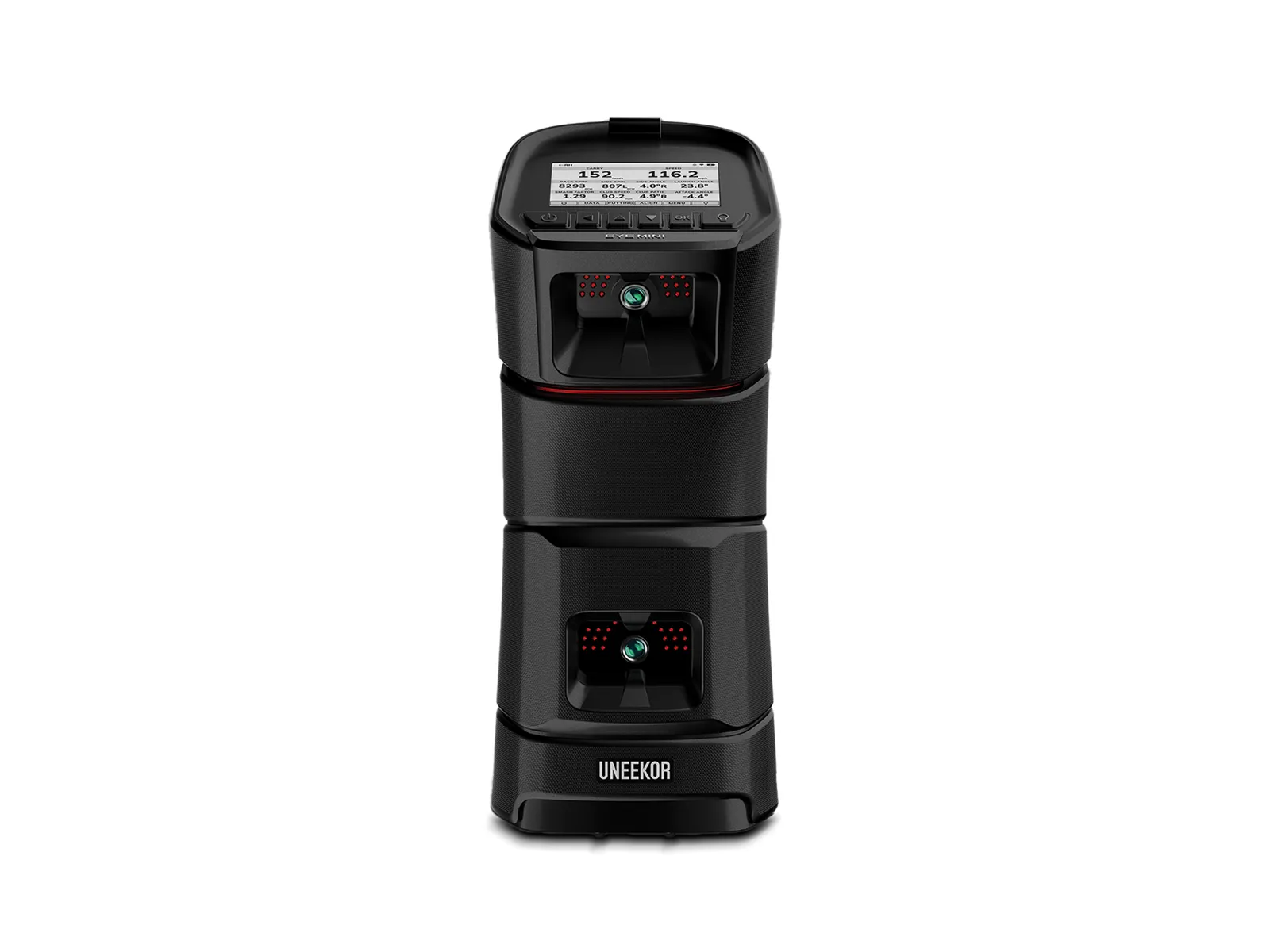
- The Uneekor EYE MINI pairs with Awesome Golf, and Uneekor sells it as a family bundle with a year of Awesome Golf included. For GSPro, Uneekor owners need a Uneekor Pro package for third party access.
- E6 Connect supports the widest range of monitors of the three and is often bundled with a new launch monitor. If your monitor came with an E6 license, your starting software cost may be zero.
Our GSPro guide covers the subscription, the system requirements, and which monitors need a paid connector. The Uneekor EYE MINI deal page tracks its live price across retailers.
The kid test
This is the test that decides it for most families: hand the controls to a 10 year old with no help and see what happens.
Awesome Golf passes easily. The games are short, the goals are obvious, and a kid can play a closest to the pin contest or a target game within a minute of picking up a club. The visuals are friendly, not intimidating.
E6 Connect passes with a little guidance. An adult sets up the round, then kids can enjoy the courses and the practice games. The iPad control helps, because tapping a tablet is easier for a child than managing a PC and a mouse.
GSPro mostly fails this test for young kids. It is a wonderful tool for a teenager who plays real golf and wants real courses and real stats. For a younger child on their own, the menus, course downloads, and settings get in the way of just hitting a ball.
Verdict by household
- The family room first: buy Awesome Golf. It is the cheapest lifetime option, it runs on the devices you already own, and it is the one kids ask for by name.
- The serious practicer who hosts family occasionally: buy GSPro for yourself and add Awesome Golf as a second app for family night. Software is not exclusive, and the pair costs less over three years than E6 Connect Expanded alone.
- The iPad household, or anyone whose monitor came with an E6 license: buy E6 Connect. Polished courses for adults, practice games for kids, and no gaming PC required.
Our take
Most simulator advice ranks software by realism, and realism is the wrong ranking for a family. Rank it by who will use it on a rainy Saturday. If the answer is everyone, Awesome Golf is the easy pick. If the answer is one serious golfer plus occasional guests, GSPro is worth every dollar of its $250 a year. E6 Connect earns its higher price only when the iPad matters or the license is already in the box.
Sources: GSPro vs E6 Connect pricing breakdown at Yardstick Golf, Awesome Golf on the App Store.
Shop the post